“Coming together is a beginning; keeping together is progress; working together is success.”
Henry Ford
What is CMS?
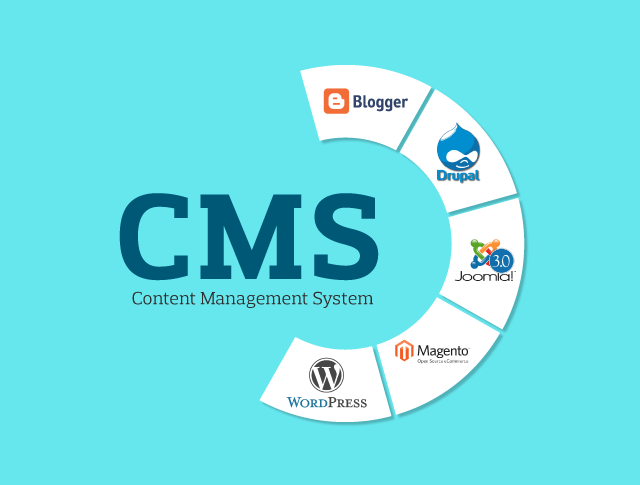
CMS stands for content management system.
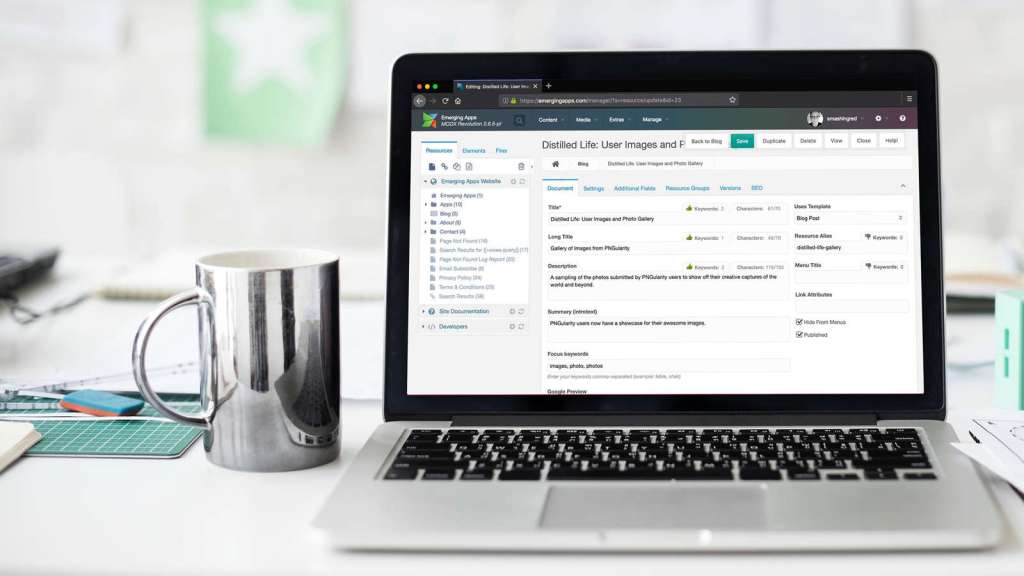
CMS is computer software or an application that uses a database to manage all content, and it can be used when developing a website.
A CMS can therefore be used to update content and/or your website structure.
Most CMS solutions are open-source, which means they are free and accessible to everyone. However, some may contain additional paid options, such as templates and plug-ins.
The main CMS are currently WordPress, Joomla, Drupal, Magento and Prestashop.
Three Excellent Open Source CMS Platforms
- Drupal- installation looks and feels a bit lengthy. Requires database name, user ID, and password, among others.
- Joomla- provides few extra options and a secure feature of installer files deletion. Requires database name, user ID, and password, among others.
- WordPress- has a minimal interface and the quick installation feels nice, but it doesn’t let you configure much during installation. Requires database name, user ID, and password, among others.
Theme Availability
- Drupal– Drupal’s official website lists 1223 themes and 14369 modules (plugins are called modules) which are available for free download. Pretty good right?
- Joomla- official website lists 7437 plugins, and there is no information about themes. But the theme marketplaces have relatively more Joomla themes available than Drupal themes.
- WordPress- With 2176 themes and 28593 plugins available on the official website, it quite clearly shows the might of the community behind WordPress. Even the marketplaces have many WordPress themes available. This huge number is also attributed to the popularity WordPress has over other CMS solutions.
Ease of Use
- Drupal- Drupal provides some very important features in a very simple and basic user interface (UI). Once you login to the admin account, you have a menu bar on the top, showing all the important aspects of your Drupal site. There is a content link, which shows you a list of all the content and comments on your site and lets you add or manage them.
- Joomla– Joomla lists all the major aspects of the site as different menu items, and below each menu item there is a drop down with more links. Overall the interface of Joomla admin is more polished and refined (compared to Drupal) and also provides more fine-tuned control over the website, but the downside is if you are new to Joomla you will find too many buttons and links all over the place, and it may be difficult to understand their use without looking at the documentation.
- WordPress- WordPress lives up to being simple and easy to use. The interface is minimal and uses easy to understand language which makes a difference, especially to novices. Compared to the Joomla/Drupal interface that uses more technical language, WordPress definitely has an edge here.
Customization and Upgrades
- Drupal- After some research I found that, the only way to upgrade a Drupal installation is to do it manually, i.e. backup old files and data, extract the Drupal latest package, and replace all the old files except /sites folder (contains themes and other data) and any other files added.
- Joomla- Joomla supports upgrading the core from the backend, i.e. you login to the backend, go to Joomla update component (version >= 2.5.4) or Update tab in Joomla Extension Manager (version < 2.5.4), and click install update. That’s it!
- WordPress– Like Joomla, WordPress also supports online updates via the admin user interface. WordPress alerts you whenever there is an update available, if you want to update, just click on update now and WordPress is updated to latest version!
The Best CMS Source
I would recommend WordPress, simply because it’s simple and very easy to use. WordPress is the winner out of all of three CMS’s. WordPress is also the most popular site. They also provide many free templets!

